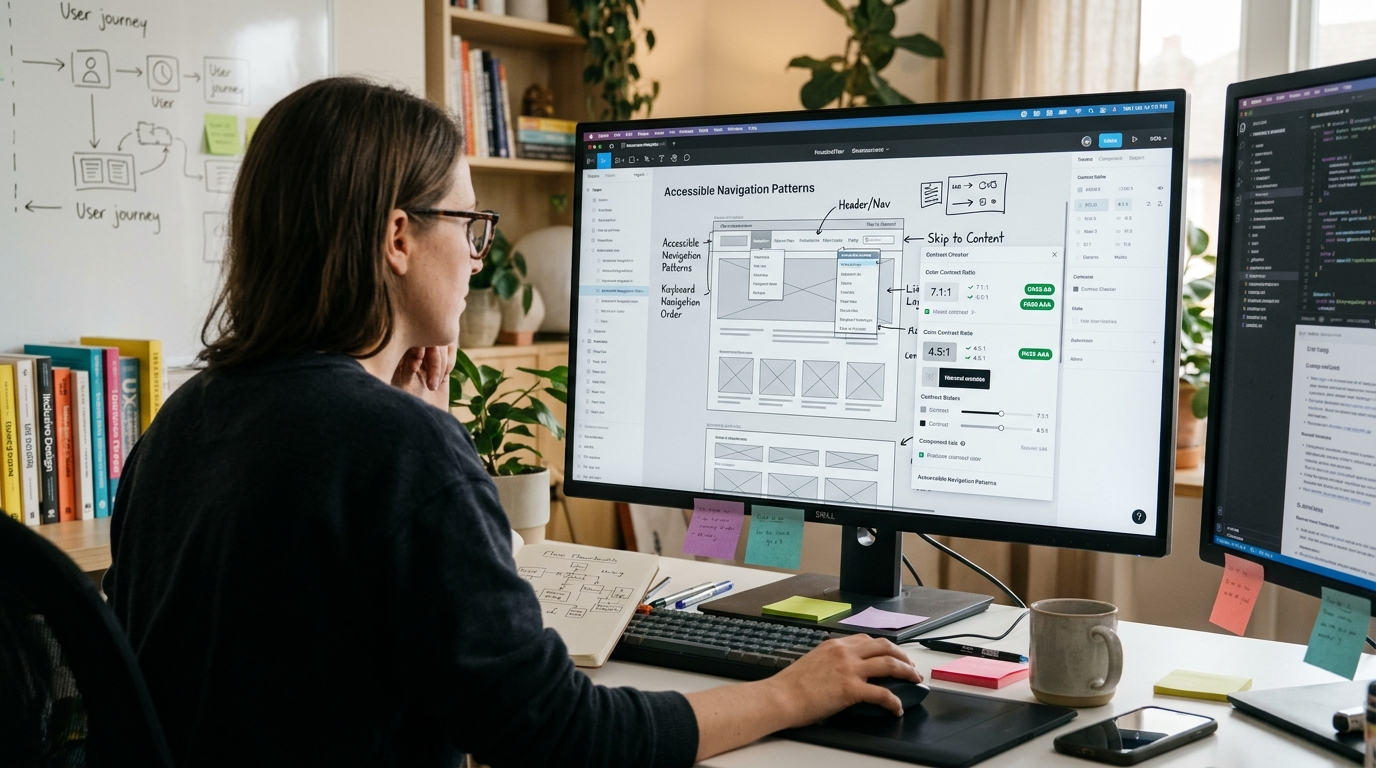
Headless architecture can provide flexibility, but it also shifts work onto developers and integrations. The useful question is whether that flexibility solves a real publishing problem.
Understand the architectural split
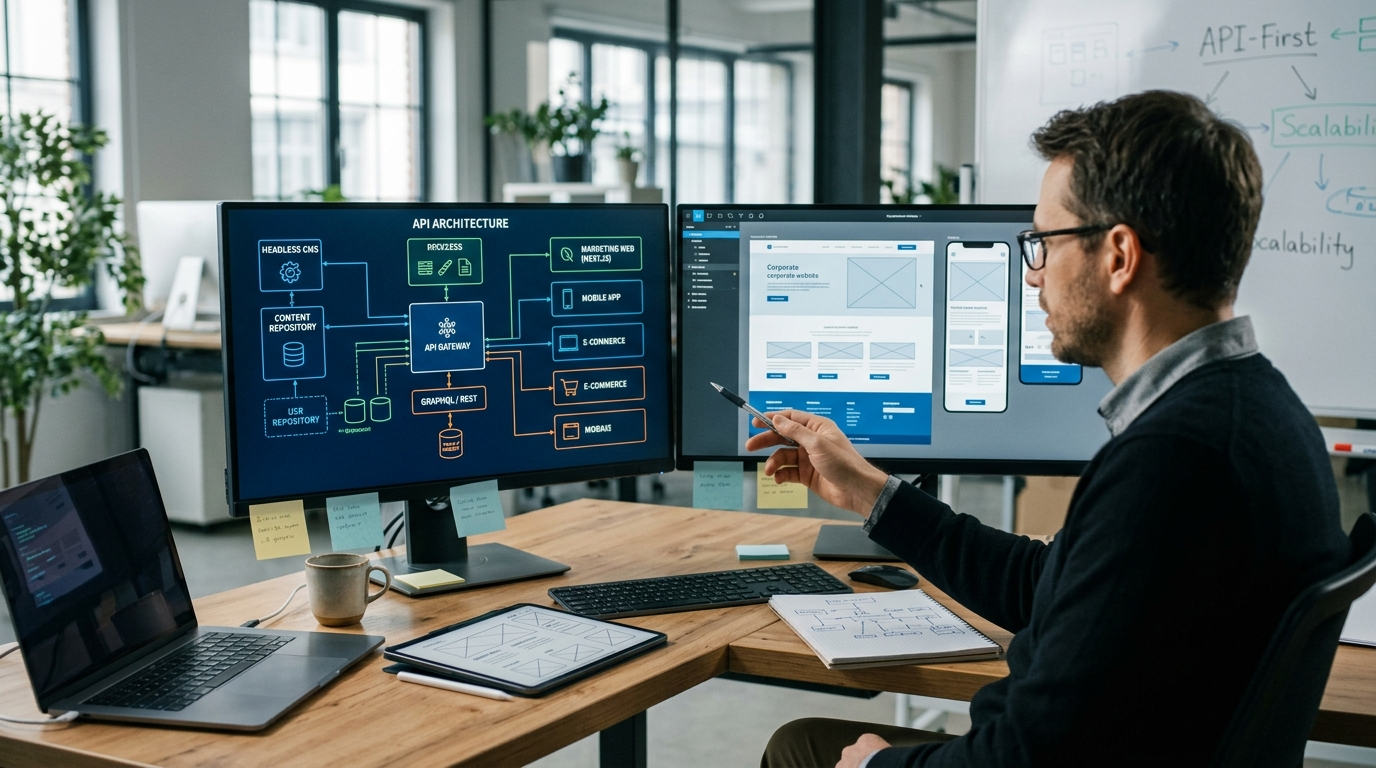
A headless CMS stores structured content and exposes it through APIs while separate applications render the experience. One product description can feed a web storefront and a mobile application. The absence of a built-in page renderer is a responsibility, not a performance guarantee.
Look for multi-channel requirements
Identify whether content genuinely needs to serve apps, kiosks, multiple sites or regional experiences. A franchise may reuse product information across websites and digital signage. One brochure site rarely needs distributed publishing infrastructure.
Model content before selecting tools
Define reusable types, relationships, localization and permissions from actual editorial tasks. An event record might have venue, schedule, registration state and translated fields. Poor content modeling creates awkward workarounds in every frontend.
Account for preview and editorial comfort
Test draft previews, scheduling, approvals and the ability to see a complete page before publication. Marketers may need to review complex layouts without opening a developer environment. An API-first system can frustrate editors if previews were never designed.
Review frontend delivery options
Choose rendering and caching patterns based on change frequency, personalization and deployment constraints. A mostly static guide can be prebuilt while inventory data updates dynamically. Headless does not automatically mean faster or more secure.
Map integrations and failure states
If the CMS API is unavailable, cached content may keep important public pages readable. Plan APIs, authentication, images, forms, search, error handling and logging. An untested dependency chain can turn a small issue into a blank page.
Understand team skills and ownership
Estimate who maintains the frontend, CMS models, hosting, monitoring and release process. An agency handoff should document deployment secrets and content workflows. A team with no ongoing developer capacity may struggle with a custom stack.
Compare migration complexity honestly
Inventory old URLs, embedded media, taxonomies, redirects and reusable components. A blog migration can be complicated by rich media embedded within legacy text. A visually successful relaunch can still lose metadata and useful content.
Choose the smallest sustainable architecture
Prefer headless when its benefits justify the ongoing engineering cost. A traditional CMS often remains appropriate for a single editorial website. Technology prestige should never outrank the site's actual publishing needs.
Apply this guide
Draw the paths from author to content API to each website or app. If there is only one straightforward site, compare the operational cost with a traditional CMS before choosing headless.
Documentation and next reading
Official and primary documentation worth checking for current behavior, requirements and limitations: