WordPress security is not a single plugin or hardening checklist. The most dependable defense combines controlled updates, minimal access, reliable backups and a rehearsed recovery process.
Know exactly what is installed
Inventory WordPress core, themes, plugins, users, hosting and integrations. An abandoned plugin deserves attention even if its feature is rarely used. Unknown components are difficult to patch or remove safely.
Set an update review rhythm
Track security advisories and apply supported updates after appropriate compatibility checks. A critical patch may require faster action than a routine design enhancement. Indefinitely delaying updates leaves known weaknesses exposed.
Control permissions and accounts
A content contributor usually does not require administrator privileges. Give editors only the access they need and remove accounts when roles change. Shared admin credentials make accountability and revocation difficult.
Protect authentication workflows
Use strong unique passwords, multifactor authentication and sensible login defenses where supported. An administrator can use an authenticator app rather than relying on password reuse. Hiding the login URL does not replace genuine access control.
Maintain independent backups
Store recoverable backups securely and test that restoration actually works. A staging restore verifies both files and database are available. A backup that has never been restored is an unproven recovery plan.
Use trusted extensions sparingly
Assess update history, compatibility, maintenance, reputation and actual need before installation. One supported feature plugin may be better than overlapping alternatives. More security plugins can introduce conflicts without improving safety.
Monitor behavior and file integrity
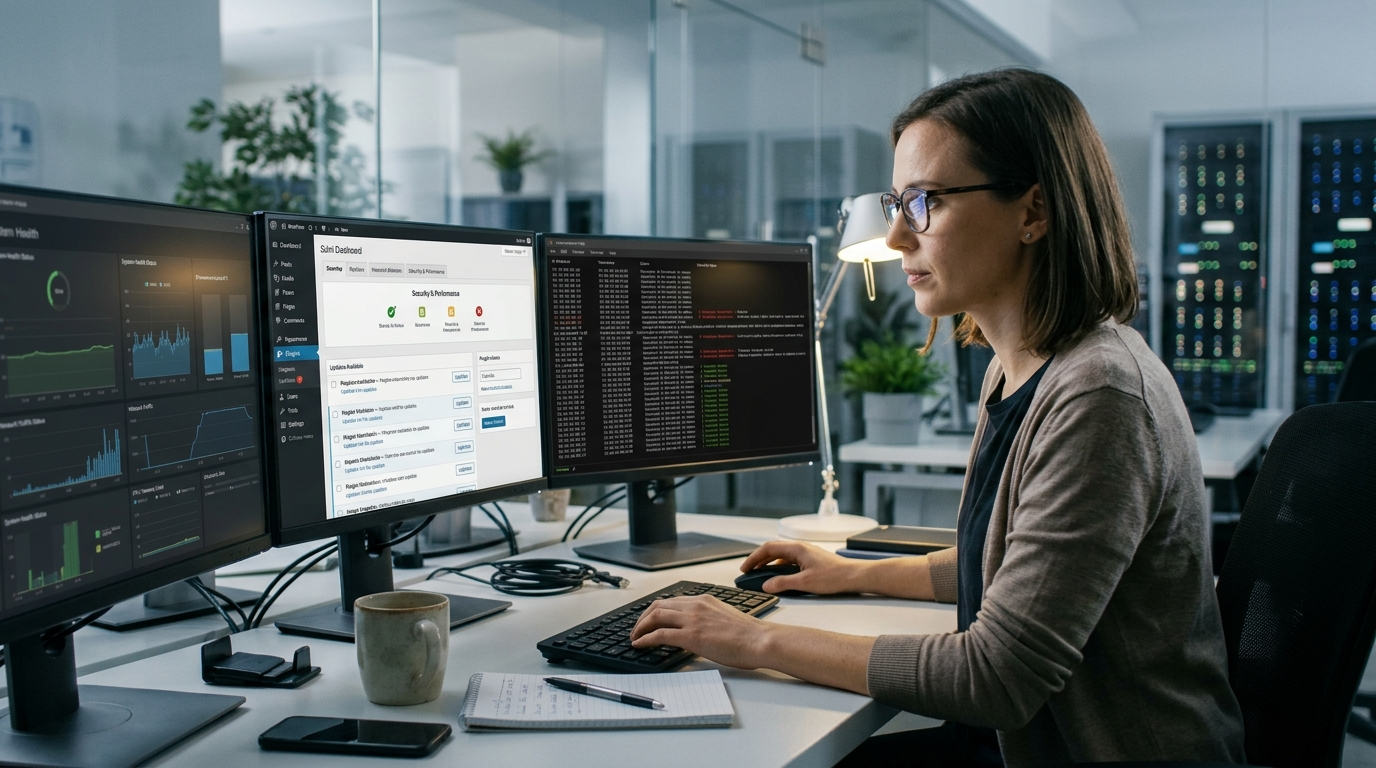
Review unusual logins, file modifications, malware alerts and availability changes. Unexpected administrator creation should trigger an immediate access review. Alerts without a response owner are easy to ignore.
Protect transport and configuration
Keep HTTPS enabled, restrict sensitive files and protect secrets outside public directories. Database credentials should not be committed to a public repository. Security depends on hosting and infrastructure as well as WordPress settings.
Practice a recovery sequence
An incident plan should identify who can take the site temporarily offline. Document containment, backup restoration, credential rotation and post-incident review. A maintenance routine is incomplete until recovery can be executed calmly.
Apply this guide
Review your last verified backup, plugin updates, administrator accounts and recovery instructions. Confirm that someone can restore the site in a staging environment.
Documentation and next reading
Official and primary documentation worth checking for current behavior, requirements and limitations: