A page can appear fully loaded while still feeling stuck when someone taps a control. JavaScript optimization should focus on the work competing with user interactions.
Measure the interaction problem
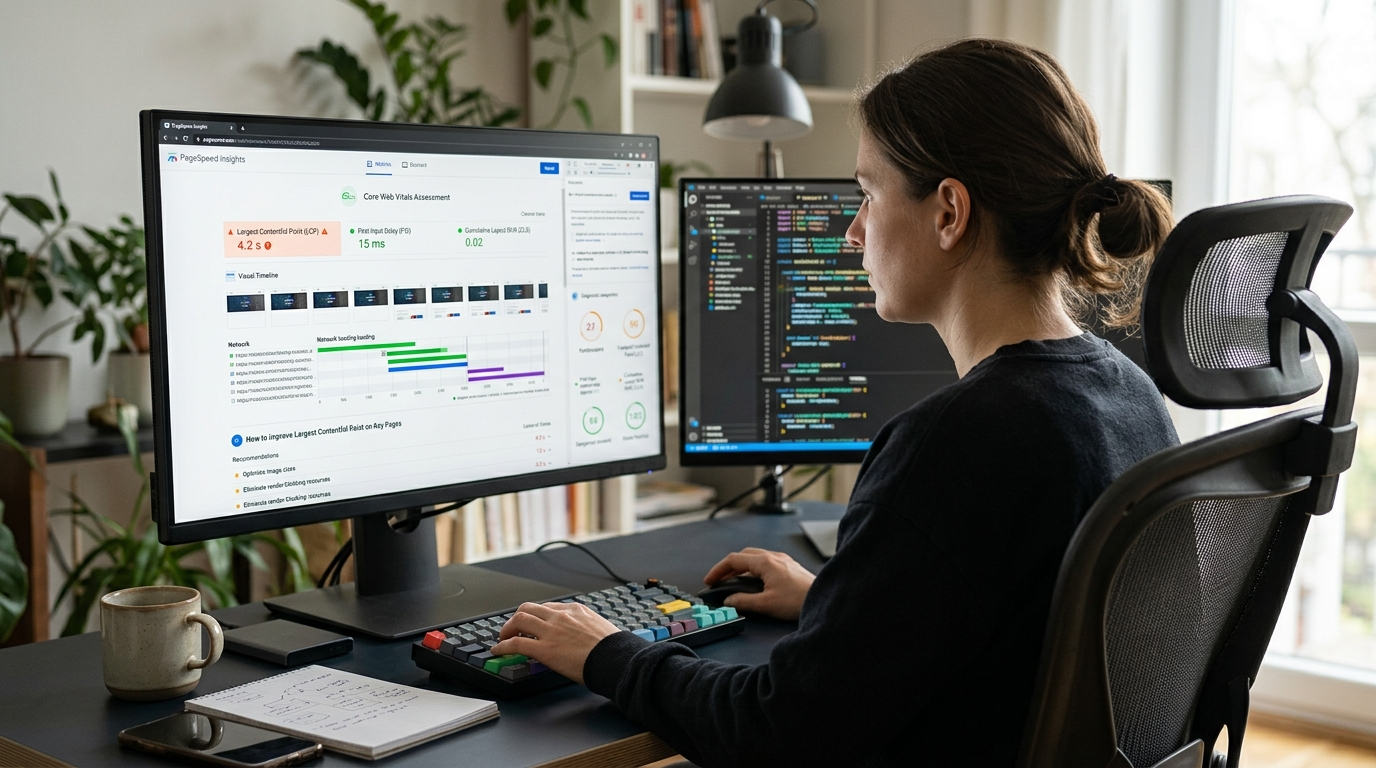
Review field INP data and inspect a trace of slow taps, clicks or keystrokes. An autocomplete box may lag only when a large filter operation runs. A good page-load score does not guarantee responsive interactions.
Find long tasks and their owners
Use performance tooling to identify expensive scripts, parsing, layout and event handlers. A third-party analytics library can consume main-thread time after load. Do not assume application code is the only source of delay.
Remove code before micro-optimizing
Audit unused widgets, duplicated libraries and scripts loaded on every template. A charting package is unnecessary on an ordinary contact page. Saving a few bytes while retaining unused features misses larger wins.
Split expensive computations
Chunk large work, defer optional logic or move suitable computation away from the main thread. A large local search index can be processed incrementally after a user begins typing. A worker is not free; communication and data transfer have costs.
Keep event handlers lean
A menu open action should update only necessary state and visible elements. Avoid repeated DOM queries, broad synchronous operations and cascading style recalculations. An event listener that rebuilds the entire page can cause noticeable lag.
Load third-party scripts skeptically
Review each external integration for purpose, consent, cost and user value. A chat widget may need to load after interaction rather than block initial controls. Adding multiple vendors can make debugging difficult.
Watch framework hydration costs
For rendered apps, measure startup state reconciliation and the amount of code required for first interaction. An article page may need mostly static HTML and a tiny search control. Hydrating everything by default can delay simple interactions.
Test on constrained devices
Use CPU slowdown and actual lower-powered hardware where possible. A fast developer laptop can conceal several hundred milliseconds of main-thread work. Desktop-only testing misrepresents many visitors.
Check functional behavior after changes
Retest forms, keyboard menus, search and accessibility while examining performance traces. An optimized listener still needs to announce validation errors correctly. Disabling JavaScript features blindly can improve a number while breaking the site.
Apply this guide
Record a trace while opening a menu or submitting a form on a slower phone. Find the long task and test a focused reduction without breaking the feature.
Documentation and next reading
Official and primary documentation worth checking for current behavior, requirements and limitations: